How to Stop Doomscrolling, Even at Night in Bed
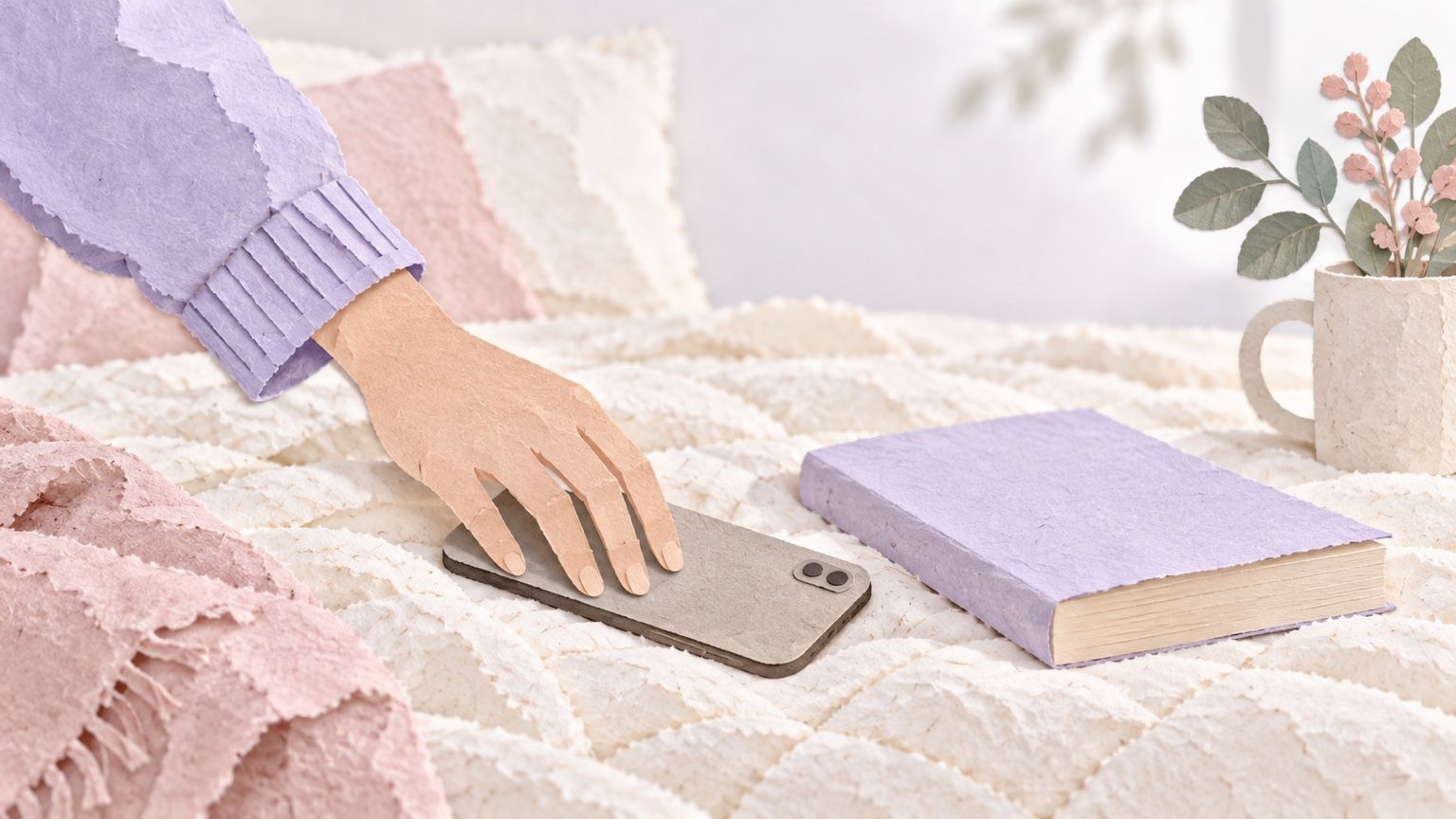
For anyone who checks one headline and surfaces much later, with a plan for closing the app and small swaps for bed.
You opened the news to check one thing: had the storm reached the coast yet? It had. That was a while ago. Since then you've read the same update in four places, a thread of strangers arguing about it, and the replies to the replies, which were worse.
If you're working out how to stop doomscrolling, start with two moves. Decide ahead of time how much news is enough, like one trusted report, then close the app. And put something smaller and kinder where the phone usually goes, so your hands have a job. Try changing the setup before asking yourself to resist the same feed again.
We make MirrorMii, so we spend a lot of time thinking about what gives someone a reason to open their phone.
Why can't I stop scrolling?
Have you ever noticed your hand reaching for the phone before you've chosen an app? In two diary studies published in 2002, psychologist Wendy Wood, then at Texas A&M, and her colleagues gave students watches that chimed every hour and asked them to note what they were doing and thinking. Between a third and a half of what they logged were habits, done nearly every day in the same place, and during those their minds were often somewhere else.
That's the reach for the phone. It has a cue (the couch, the pillow, the pause while the kettle boils), and your thumb is moving before you've had a single thought about it.
Then the feed helps it along. There's no last page, and with bad news there's always one more update that might finally make it make sense.
If the scroll is also how you're dodging an email, our guide on how to stop procrastinating takes that half of the problem.
What if it's the bad news I can't stop reading?
Researchers who study doomscrolling describe it as compulsive, indiscriminate reading of negative news. The compulsive part is the habit above. The indiscriminate part is where a plan does the work, so make one before you open anything:
- Pick one source you trust for the story and read its latest report all the way through.
- Close the app before the comments. Strangers reacting to the news is a second, bigger feed.
- Write down when you'll check for another update, like after breakfast, so your head can stop holding the door open.
- If the story is still moving at bedtime, let the morning version catch you up.
Reading the story once, properly, still counts as caring. It just comes with a bedtime.
Why plan the stop? Jan Ole Rixen and colleagues at Ulm University and TU Darmstadt investigated why people ended social media sessions. For a week, an app on 46 people's phones noticed when they closed a social app and often asked them why. In a 2023 study of infinite scrolling, the answers were ordinary interruptions. A dog wanted to go out. Someone started a conversation. People got hungry, or sleepy, or decided they'd seen enough.
The researchers concluded that most of the reasons people gave for stopping came from their life around the phone. So don't wait for the feed to let you go. Your written-down check time is your own tap on the shoulder.
How do I stop doomscrolling at night?
Night is hard because every cue lines up. You're tired, and the phone is already in your hand because it's also your alarm clock.
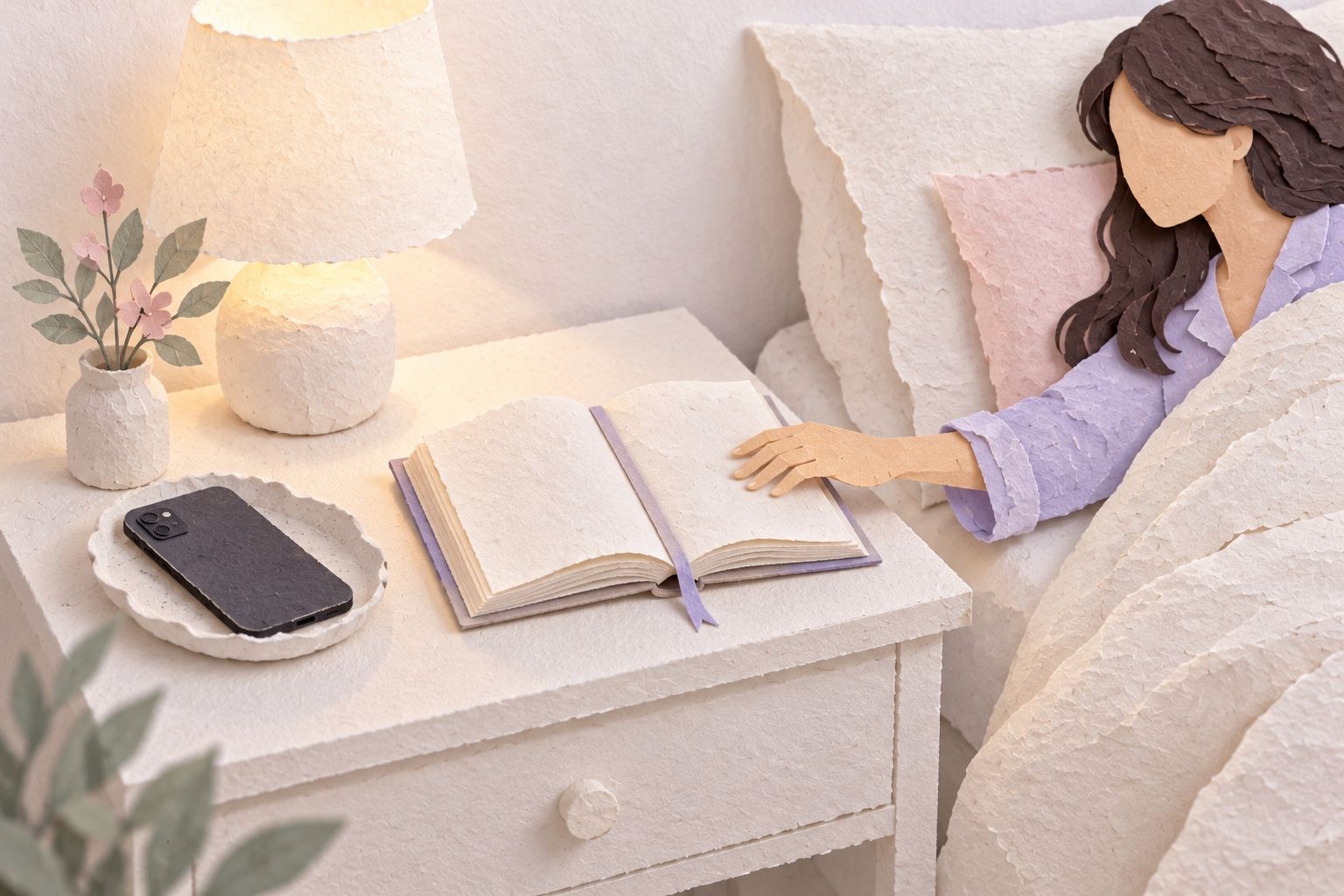
Start with where the phone sleeps. Charge it across the room or in the hallway, and get a cheap alarm clock so the phone has no reason to be on the nightstand. Scrolling then means getting out of a warm bed, which is a lot to ask of anyone.
Then put the replacement exactly where the phone used to be, and pick something with an ending. A chapter finishes.
If the phone has to stay close, let it get duller as the evening goes. On Android, Bedtime mode in Digital Wellbeing can switch the screen to grayscale on a schedule you set. On an iPhone, a Screen Time Schedule controls which apps you can use at different times of day; older versions of iOS call it Downtime.
Which phone settings are worth turning on?
Grayscale. It sounds too simple to matter, but try one evening of it: a gray feed is like reading celebrity gossip on a grocery receipt. On an iPhone, go to Settings, then Accessibility, Display & Text Size and Color Filters, and choose Grayscale. For a shortcut, select Color Filters in Settings, Accessibility, Accessibility Shortcut, then triple-click the side button (or Home button). If you've assigned several features, choose Color Filters from the menu.
A limit that makes you pause. Android's app timers close the app and dim its icon when your time runs out, and they reset at midnight. On an iPhone, look for Time Allowances in Screen Time (App Limits on older versions). Either way, you're after the pause, the second where you notice what your thumb is doing.
One extra step. Log out of the app you scroll most, or move it off your home screen. Typing a password in the dark is a surprisingly good bouncer.
What do I do with my hands instead?
Put the phone down and give your hands a small job:
- Read one page of a paperback. Stopping at one page counts.
- Fill in three crossword clues, then close the book on the rest.
- Rub in hand cream slowly, like you're being paid for it.
- Write tomorrow's one job on a sticky note, so your head stops rehearsing it.
- Stretch your calves against the bed frame until they stop complaining.
Tie it to something you already do: after I set my alarm clock, I'll open the book. Setting the alarm is the cue and the book is the swap. The card below holds tonight's whole plan.

A phone that looks at your day
MirrorMii is a game for the same phone that carries the news, so we're not neutral here. Genii, the glass slime who runs the island, posts quests, and you answer them by snapping something from your real day, like your dinner or the jacket you finally took out of the closet. You hand each find to Genii yourself, and what you find becomes outfits and decor for Miia, your digital twin, a reflection of you who lives her own life.
We won't promise any of that shortens your screen time. It does point the camera at your own day instead of the feed.
FAQ
Is doomscrolling an addiction?
Doomscrolling means repeatedly scrolling through negative or distressing news, and a blog post can't tell you whether your own use amounts to an addiction. If scrolling keeps crowding out sleep, work or the people you love, and small changes like these don't touch it, a doctor or a therapist is a good next call. Asking for help with it is completely normal.
How do I stop doomscrolling in the morning?
The night trick works in reverse. If the phone charges across the room, you have to get up to check it, and by then you're halfway to the kettle. Give the morning its own small swap, like opening the curtains, before any app gets a turn.
What if I slip and scroll anyway?
Slips come with changing any habit. Notice what pulled you back in, a notification or just a rough day, and change that one cue tomorrow. If one slip has turned into a lost week, our guide on getting back on track with habits is gentle about it.

Had enough headlines? Give Miia a little of your day. Snap something real, and Miia lives it. Join MirrorMii free