How to Track Habits Automatically
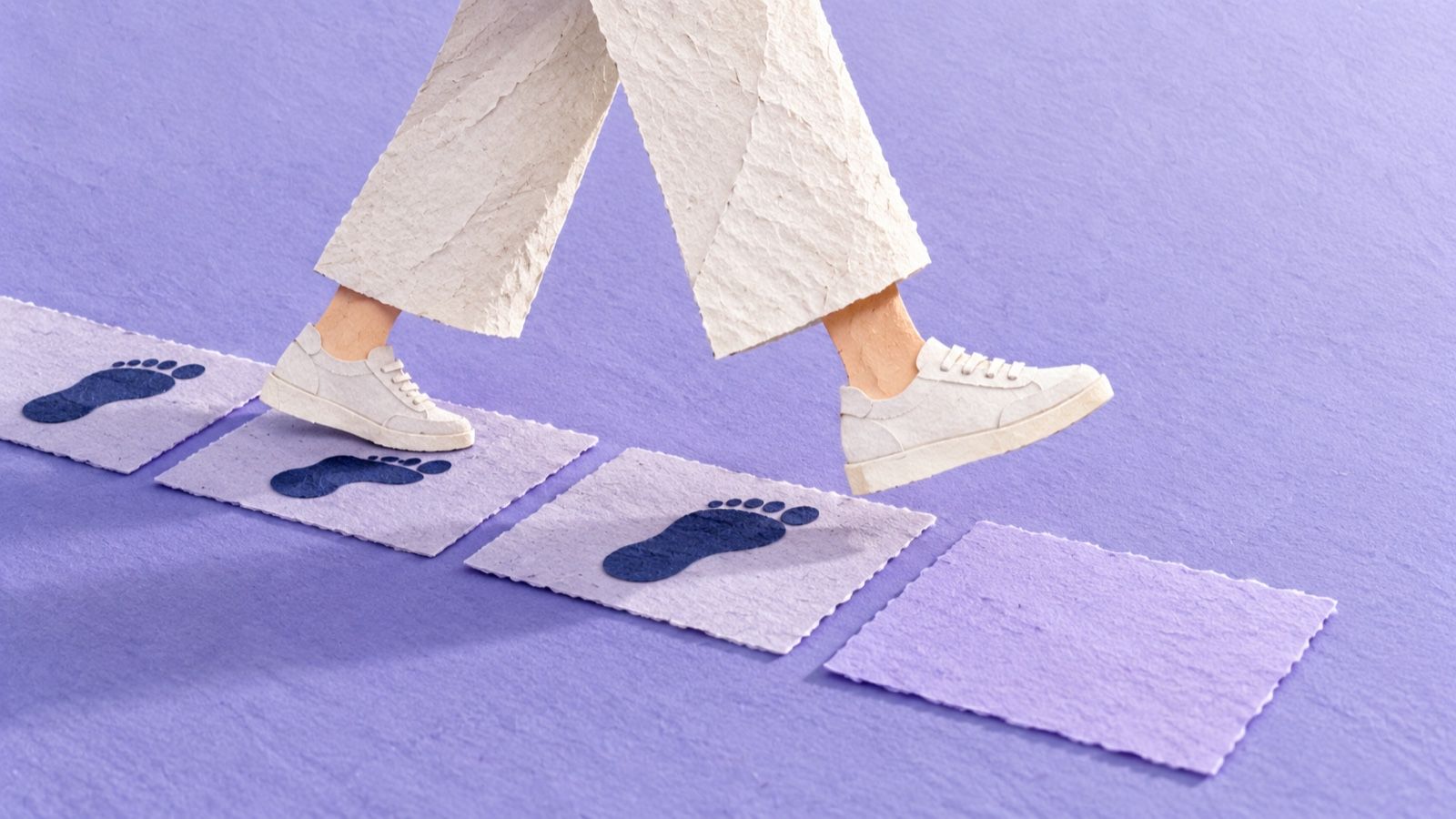
You already did the thing. Keeping a record should not become a second thing.
You walked to the station, made lunch and read on the train. At bedtime, the boxes are still empty. Now you have to reconstruct a perfectly ordinary Tuesday for an app that wasn't there. You close it instead.
An automatic habit tracker can record actions that leave a digital trace, such as steps or an app opening. It cannot tell the whole story of your day. Start with records your devices already keep, remove duplicate logging, and use one deliberate photo for moments you actually want to remember.
We make MirrorMii because that second chore gets old. In MirrorMii 2.0, which is in development, a photo you choose to hand to Genii becomes material for a cozy game. It is a small manual action, not passive tracking. This guide separates those two approaches so you can decide which record you actually want.

What can a device record without another tap?
Start with something already recorded. Apple's Health app counts steps and walking distance automatically. If walking is the only thing you want to remember, adding a second daily checkbox may give you another job without giving you another useful record.
The count records movement. It can't tell a lovely detour from a hurried trip to buy washing-up liquid.
The same distinction applies to other device records. Screen Time can show phone use. A compatible watch can keep a sleep record when set up for it. These are records of particular signals. They don't show whether your entire day went well. You don't need every signal just because it's available.
If your existing history answers the question, leave it there. A Sunday spreadsheet doesn't need a copy.
Is a shortcut recording the habit or just a clue?
A shortcut can connect an event to a note. Apple's Shortcuts automations support triggers such as arriving at a place or opening an app. Whether a particular automation runs without confirmation depends on its trigger and settings, so check that before relying on it for a silent record.
Opening your reading app is a clue. It does not prove you read a chapter. Arriving near a gym does not tell you what happened inside. Give the note a label that says what was observed. An honest label keeps that clue useful.
- Pick one event worth remembering. Start with an app opening or a place arrival you already understand.
- Give it a literal label. “Opened my book” is more accurate than “Finished reading.”
- Connect the event to a single note. Keep the record in one place instead of spreading it across several apps.
- Try it once and read the result. Check the confirmation behavior, the label and whether the record is useful before adding more.
You might discover the note is satisfying, or never open it again. Both tell you whether you wanted a record.
An automation needs an output you'll actually use.
What if the moment has no useful digital trace?
Your lunch, a walk with a friend, the plant you finally repotted: a number may be the least interesting thing about them. A photo can keep the part you wanted to remember without asking you to describe the whole day.
The photo needs you to take it. Forgetting leaves a gap in the album; the moment still happened.
Try one kind of moment for a few days: the ordinary lunch, or the sky on the way home. Resist making a complete archive of your life.
MirrorMii 2.0 gives that chosen photo a place in a game. The handoff stays yours; it doesn't promise to import device records or identify every habit in the background.
Which parts of the record can you drop?
What question would the record answer? In Does Monitoring Goal Progress Promote Goal Attainment?, Benjamin Harkin and colleagues at the University of Sheffield reviewed experiments on monitoring in 2016 and found an overall benefit for goal attainment. That does not mean every pleasant part of your day needs a daily rating.
Jordan Etkin's 2016 study at Duke University, The Hidden Cost of Personal Quantification found a tradeoff in the activities studied: measurement could increase activity while reducing enjoyment. Neither study tested MirrorMii. They give us a reason to ask what a record helps you do before adding another one.

An existing count tells you whether you walked more this week. A photo keeps the afternoon you wanted to remember. The book you love might need nothing at all. Choose the smallest record that serves your question.
Where does MirrorMii fit?
MirrorMii is a cozy game, and its next version, 2.0, is not out yet. We are building for the person who wants something enjoyable to come back to after the day.

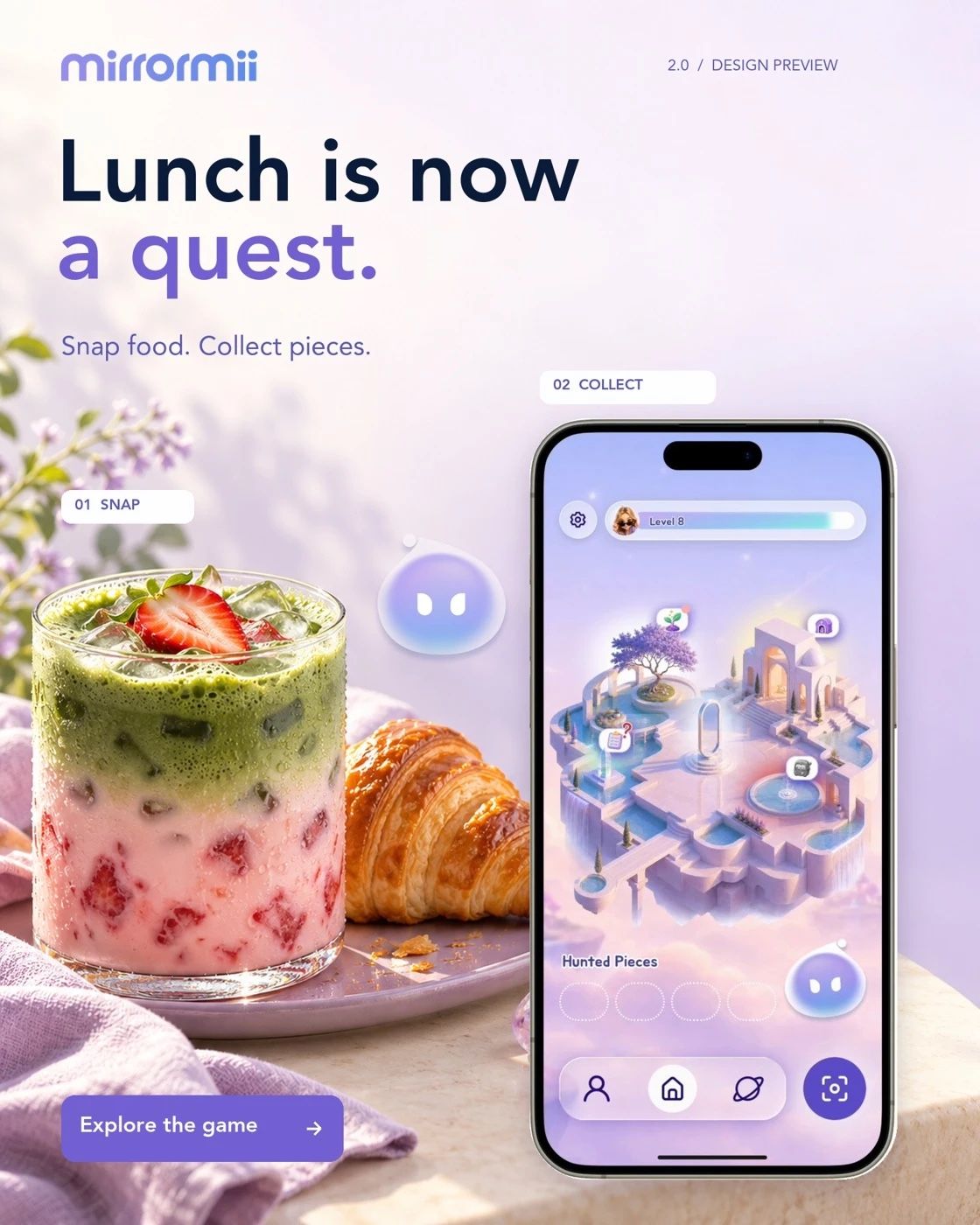
In 2.0, you take a photo with Photo Hunt and wait for its fragment to be verified. You hand the verified fragment to Genii, your fairy-godmother host, yourself. It enters the Bank, which keeps your unspent fragments. You choose how to use them for progression or items for Miia.
Miia is your digital twin, a reflection of you who lives her own life. In 2.0, you can choose an outfit for her and read what she gets up to. The game's inventory and progress have counts; your lunch does not become a health grade.
In 2.0, a week away doesn't erase your unspent fragments or completed quests. You still take the photo and make the handoff yourself. Snap it, and Miia lives it.
FAQ
Is MirrorMii an automatic habit tracker?
MirrorMii is a cozy game. In 2.0, which is in development, you deliberately take a photo and hand it to Genii. It doesn't claim to track every habit passively or sync your device's health records. Its approach reduces the logging ritual by giving one chosen moment a place in the game.
Can one automatic habit tracker record everything?
A device records the signals it can observe. An app opening can be logged, but that does not prove you finished a book. A step count does not explain the walk. Choose the question first, then accept that the record will cover only part of it.
What happens if I forget the photo?
You can keep an occasional photo record without making it complete. The moment still happened. In MirrorMii 2.0, being away does not remove saved progress as a penalty. That does not make photos automatic; it means the game is designed to welcome your return without demanding a reconstructed week.
Prefer a game to a log? See how much each approach asks you to enter. Read apps for people who hate tracking habits