The Best Apps for People Who Hate Tracking Habits

For anyone who drank the water, took the walk, and still ended the day staring at a row of empty boxes.
It's 10:40 pm and you're brushing your teeth when the notification lands: four habits left today. You drank the water and walked to the shop and back. The app just never heard about it, and now it wants the paperwork.
The best apps for people who hate tracking habits depend on which input bothers them. Pokémon Sleep uses a tracked night, Forest uses a focus timer, and Cal AI uses meal photos with results to review. Finch, Fabulous and Habitica still require goals or lists. None records every habit without action from you.
We make MirrorMii, a cozy game where, in 2.0, photos become part of Miia's world. We care about the difference between enjoying your day and repeatedly reporting it, so that's the question behind this comparison.

Why does tracking feel like a second job?
Because it is one. The habit takes two minutes and the reporting takes the rest of your attention, all day, in little pings.
There's research on this. In a 2015 study, Katarzyna Stawarz, Anna Cox and Ann Blandford at University College London looked at how habit apps try to help. Reminders got people repeating a behaviour, but leaning on them held back the part where it turns automatic. Tying the new habit to something already in your day worked better.
That study doesn't tell us which of these apps will work for you. It does make the input worth examining: a reminder to report a habit is different from a cue to do it.
Missed days matter less than they feel, too. In a study published in 2009, Phillippa Lally and her team at University College London followed 96 people building a daily habit, and missing one opportunity didn't materially affect habit formation in that study. That isn't a finding about a month away, but it puts one missed Tuesday in perspective.
How much does each app ask of you?
The inputs below range from recording one specific activity to maintaining a whole task list. They aren't a measured ranking of effort; setup, review and how often you open the app all matter.
| App | What you do each day | What you get back | Paying | |-|-|-|-| | Pokémon Sleep | Put your phone by your pillow | Pokémon who sleep like you | Optional pass, $9.99 a month | | Forest | Start a timer, then leave your phone | A tree in your forest | Optional extras and plan | | Cal AI | Snap each meal | A nutrition breakdown | Photo results need a subscription | | Finch | A mood check and a few small goals | A pet that goes on adventures | Core free, Plus $9.99 a month | | Fabulous | Follow a guided routine | A plan, a journal and coaching | Coaching series in Premium | | Habitica | Write tasks and tick them off | Gold, experience and gear | Optional, from $4.99 a month |
Which apps ask for almost nothing?
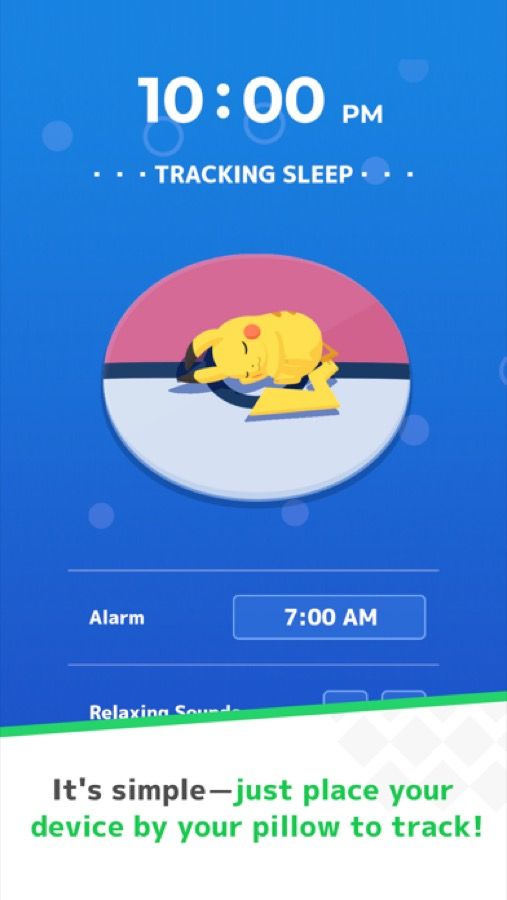
Pokémon Sleep
Sleep is the only activity this app uses as its input.
At night you set your phone beside your pillow (beside it, never under it, where it can overheat) and go to sleep. You can play with sleep data from a smartwatch instead.
In the morning you wake up to a little crowd of Pokémon who sleep the way you do, gathered around your Snorlax. It's free, with an optional Premium Pass. The only catch is scope: it covers sleep and nothing else.
Forest
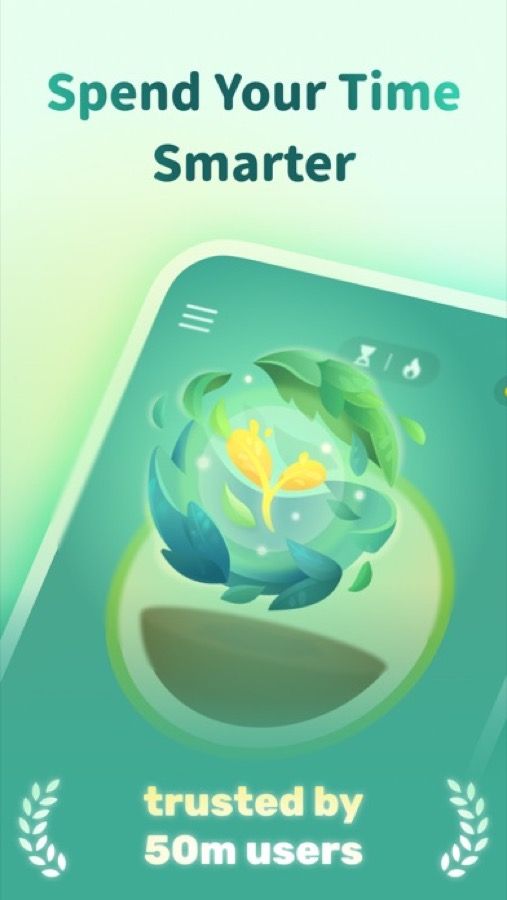
Forest makes putting your phone down the whole game. Start a focus session and a small tree grows while you stay off your phone. Pick it up early and the tree doesn't make it.
There's nothing to log afterwards, because the tree is the record. Over a few weeks you get a whole forest of afternoons you spent somewhere else, and friends can plant alongside you in a shared session.
Cal AI
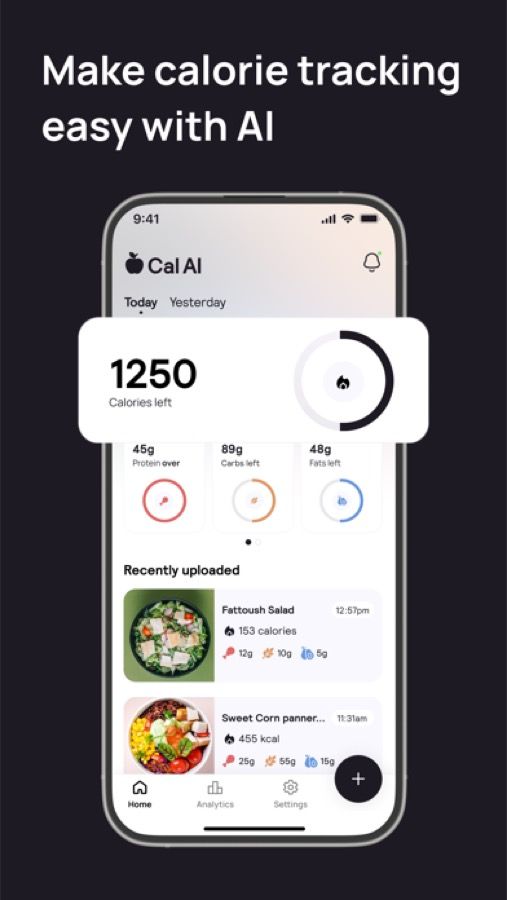
Cal AI swaps typing for a photo. You answer some questions to set up a plan, snap your meal, and get a nutrition breakdown back. The photo results need a subscription, so check that before you spend ten minutes on setup.
Be honest with yourself about this one. It's a numbers app with a quicker way in.
If the numbers are the part you hate, one photo won't fix that, and our look at Cal AI alternatives goes further.
What about apps that still use a list?
Finch
Finch asks for a little every day and pays you back in warmth. You start the morning with a quick mood check and a few small goals, which give your pet the energy to go exploring. By evening it's home with a story about where it went, and the clothing shop gives the bird another reason to be on your screen.
The core is free, and Finch Plus costs $9.99 a month or $69.99 a year. The goals are still a checklist, just a very soft one. If you liked the bird and not the ticking, see our list of apps like Finch.
Fabulous
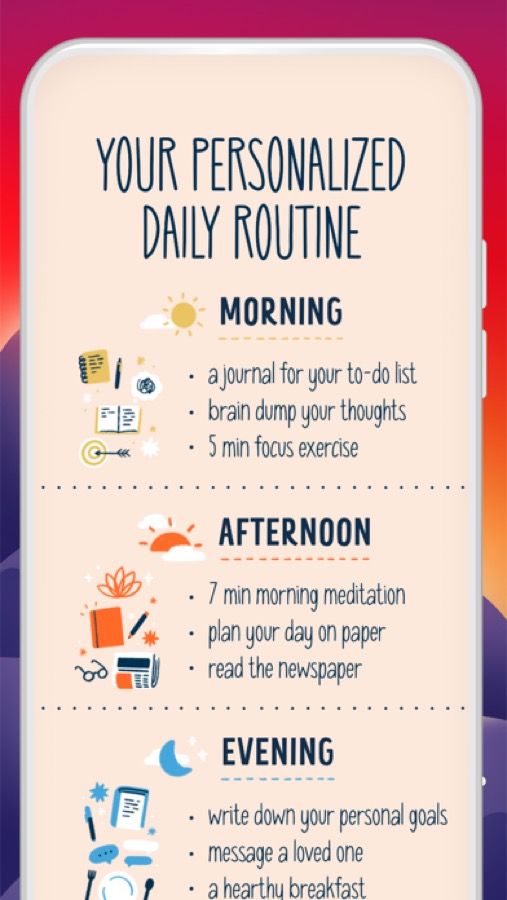
Fabulous started as a habit tracker and grew into a coaching app. It builds you a morning routine, then adds a planner, a gratitude journal and short workouts. Its guided routines give you a starting point, though you still need to follow and record the steps.
You do face a lot of pages. A routine from morning to night means more tapping than anything above, and the coaching series by topic sits in the paid plan.
Habitica
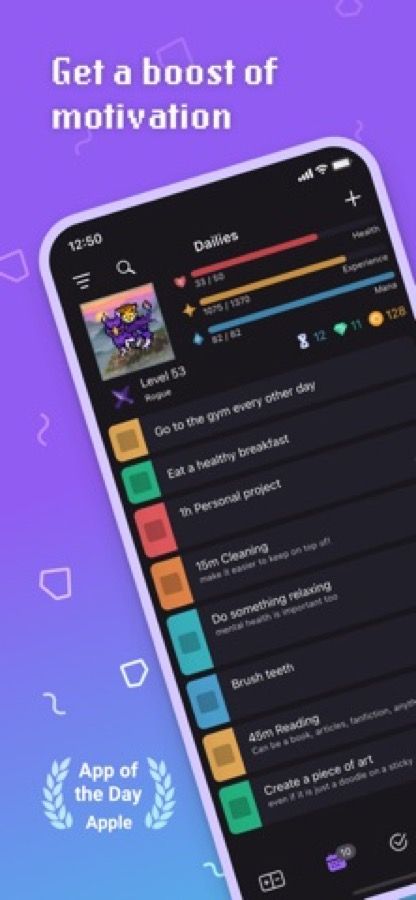
Habitica turns your to-do list into a retro role-playing game. You write your own tasks, tick them off, and earn gold, experience and gear for your little pixel hero. Friends can form a party and fight monsters by getting real things done.
It's free to play properly, with an optional subscription from $4.99 a month. It also asks the most of anything here, since you write the list yourself. Task entry stays manual. Our look at whether Habitica is worth it weighs the RPG against the work of keeping that list.

Where does MirrorMii fit?
If the habits are fine and the paperwork is the problem, that's the feeling we built MirrorMii around. It's a cozy game, and its next version, 2.0, is not out yet.

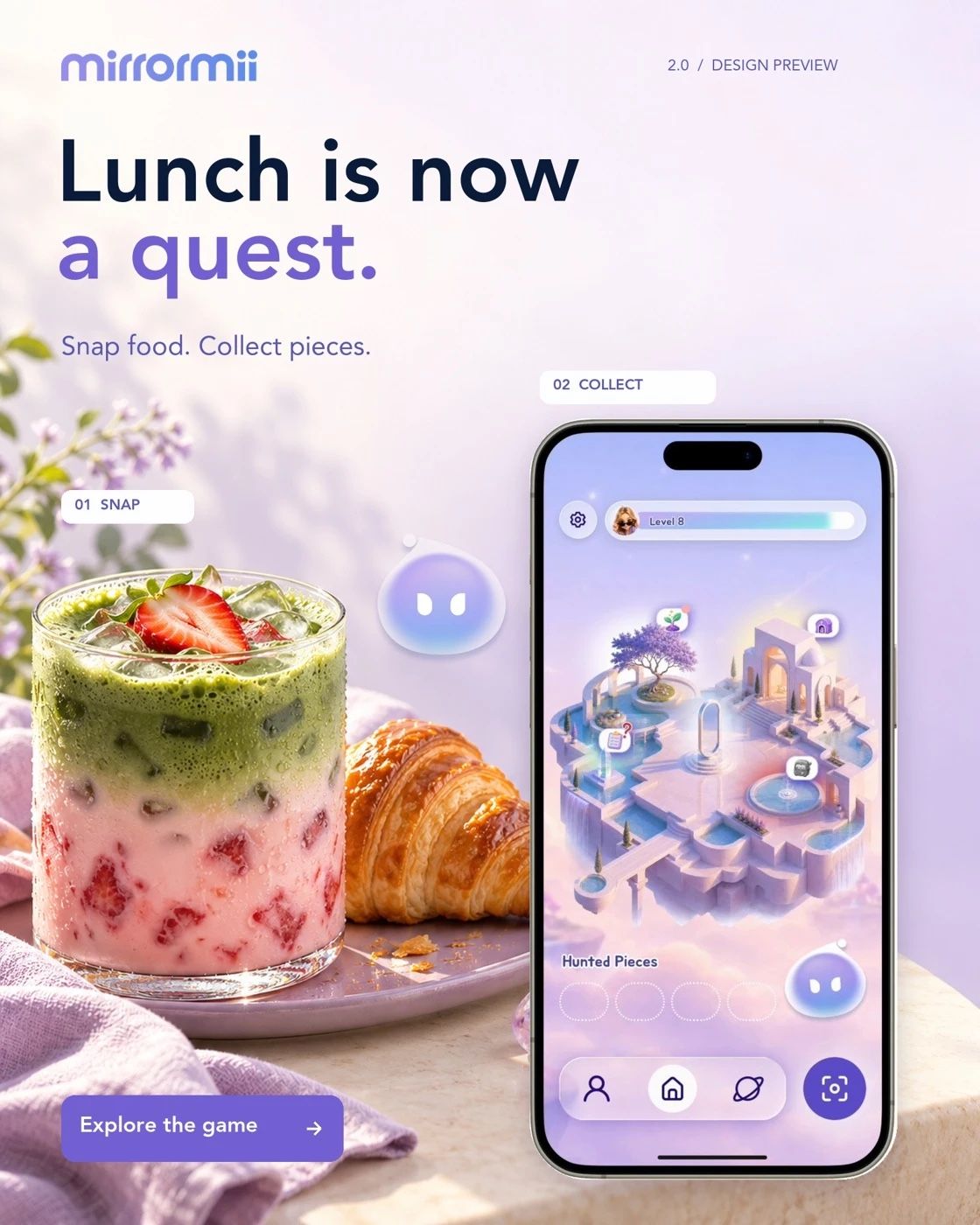
In 2.0, you deliberately take a photo with Photo Hunt. Verified fragments are handed to Genii, the island's fairy-godmother host, and collected in the Bank. A meal photo isn't turned into a calorie total. You make that handoff yourself.
You choose how to use your fragments in 2.0 as you build Miia's world and acquire outfits and decor. Miia is your digital twin: a reflection of you who lives her own life. You can pick her outfit and later read her diary. Completed quests stay completed, and unspent fragments wait in the Bank while you're away.
FAQ
Is there an app that tracks habits for me automatically?
Only in pieces. The sleep app records a specific activity after setup; other choices need timers, goals or photos. Reading or stretching isn't automatically known to a general habit list. Check the input before assuming everything is covered.
I've already deleted three habit apps this year. Should I bother?
You don't owe a fourth app another elaborate setup. First work out what made you delete the others: reminders, task entry, numbers or paying after a trial. Choose around that specific problem, and keep the first attempt small. Our guide to getting back on track with habits starts with the routine itself, so you can make that decision before installing anything.
Is taking a photo the same as automatic tracking?
No. A photo is a deliberate input, even when it saves typing. You still choose the moment and take the picture. In 2.0, MirrorMii also asks you to hand verified fragments to Genii yourself. The game uses what you bring; it isn't a background recorder of your whole day.
Want less reporting in your day? How automatic measurement differs from the photo-led game loop we're building in MirrorMii 2.0. Read how to track habits automatically