How to Play MirrorMii: A Beginner's Guide
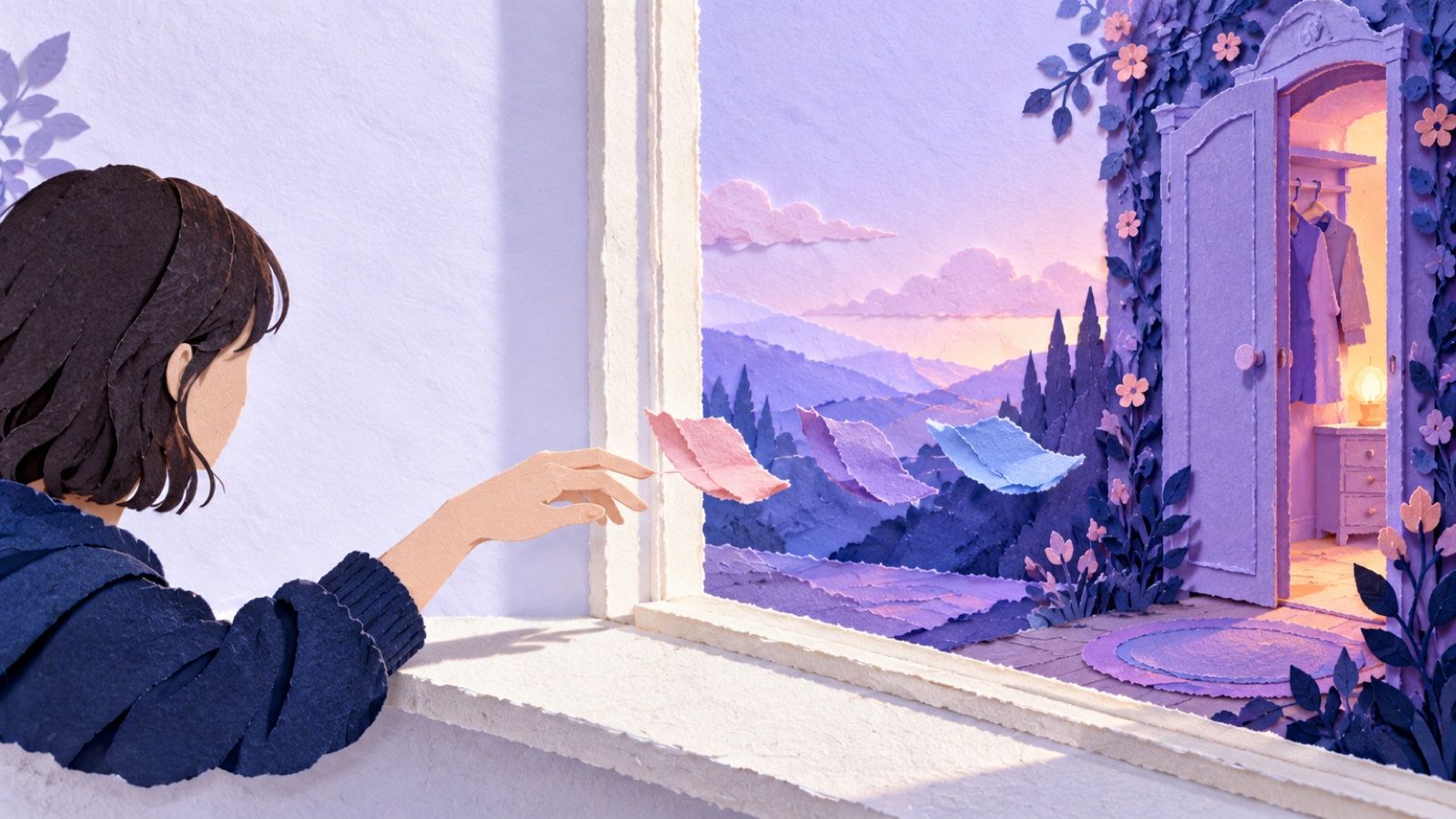
For anyone who's heard about the mirror and the island and just wants to know what you actually do.
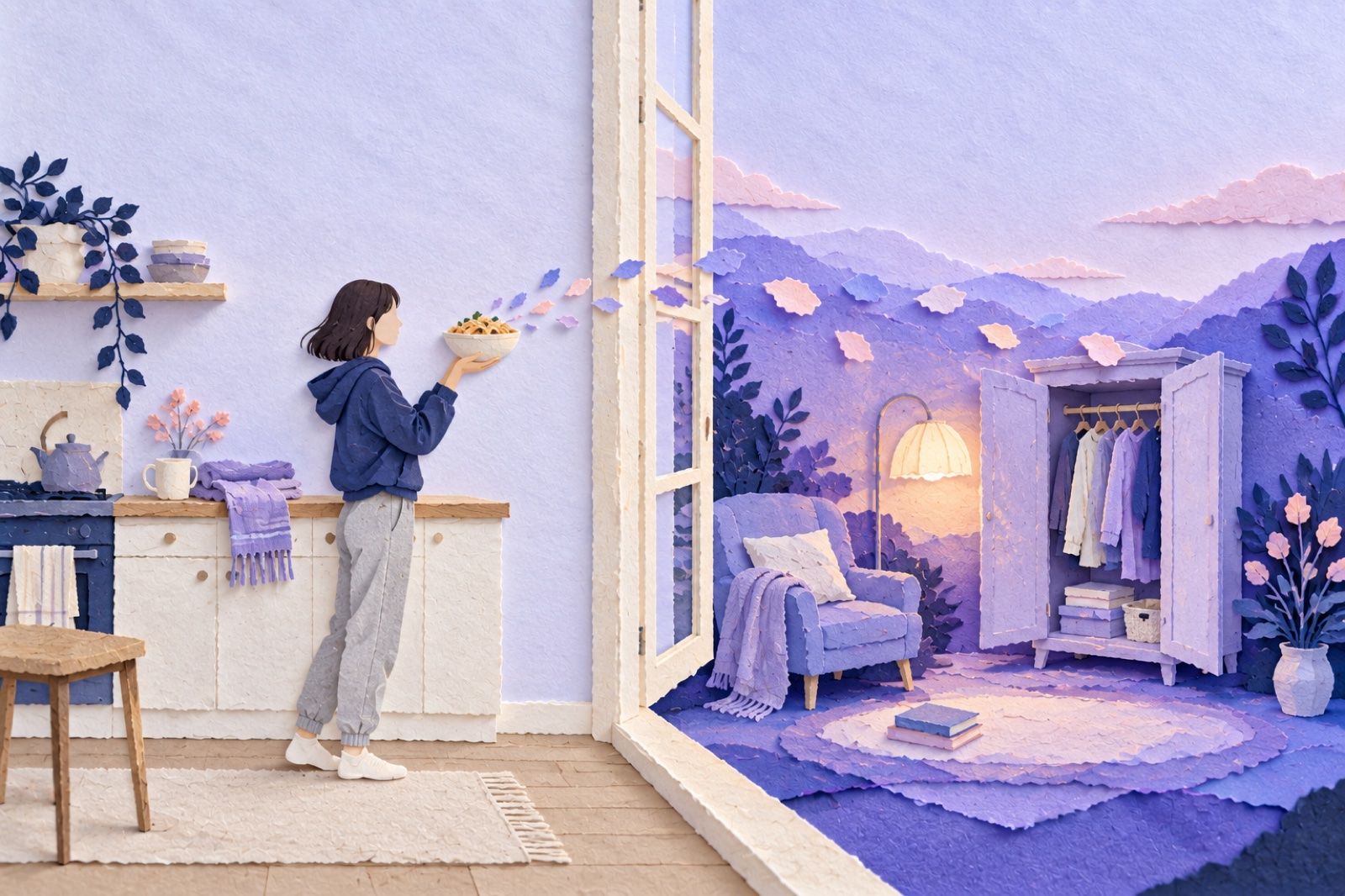
You're about to eat the pasta you finally cooked when you remember the game. What happens between that photo and Miia wearing something new? In 2.0, there's a route through Genii's island, and you choose each handoff along the way.
Here's how you play in 2.0: read a quest, take a photo with Photo Hunt, wait for it to be checked, then hand the verified fragment to Genii. It goes into the Bank. You can spend fragments on growing the Life Tree or obtaining items, then preview and apply an item through the World Mirror. Miia decides what happens next.
We make MirrorMii, a cozy game, and this walkthrough follows its design. Its next version, 2.0, is not out yet. Keep this as a preview of the planned loop; it isn't a walkthrough of the currently available app.
Who's on the island, and who's in the mirror?
MirrorMii is a cozy game set in two places with a mirror between them.
In 2.0, home is Genii's island, and she's its fairy godmother. You bring her what you find, she turns it into magic for Miia, and you're the one who decides where the magic goes. The photo gives you something to play with; she doesn't judge the meal.
Miia in 2.0 is your digital twin: a reflection of you who lives her own life, shaped by what you bring her. You influence her surroundings and what she wears. Her plans, friends and diary are hers.

What do you do in one round?
Your first session in 2.0 walks you through one full round, and after that you set the pace. Here it is, start to finish.
- Read a quest. In 2.0, the Quest Board tells you what the world needs and the fragments a quest can use. Opening a quest shows its details. It doesn't start a hunt.
- Take the photo. In 2.0, use Photo Hunt when you're ready. A meal is one example of something you can snap; match your photo to what the quest actually asks for.
- Hand over the verified fragment. In 2.0, the capture is checked first. You hand its fragment to Genii with a tap; it waits for you.
- Bank it. In 2.0, handed-over fragments enter the Bank. A quest completes when the required fragments are credited, and spending them later doesn't undo that completion.
- Choose a use. In 2.0, spend fragments to advance the Life Tree or use them to obtain items for Miia. Confirming a spend deducts those fragments from the Bank.
- Try an item on. In 2.0, an item you've obtained can be previewed and applied through the World Mirror. Pick her look, then see what she makes of it.
That's one complete round in 2.0. The useful pause is between finding something and spending it: the fragment is safely banked, and the next choice is yours.
How do quests and photos work?
One thing trips people up on day one. In 2.0, tapping a quest on the Quest Board only opens its details, and there's no start button in there. Close it, then use the Photo Hunt button whenever you're ready to shoot.
Pick the quest that matches what you're already doing today. If you're cooking anyway, take the cooking one.
You don't have to stand watching the check, either. In 2.0, Photo Hunt lets you keep snapping while earlier captures are being verified. A verified fragment waits for your handoff; it isn't in your Bank yet. Give it to Genii when you're ready, and then it's part of your inventory.
The point is finding something from your day. In 2.0, odd fragments can lead to funny or dramatic items for Miia. A chaotic day can turn into a chaotic outfit, without a penalty for you. The quest still decides which verified fragments it needs; a photo isn't an automatic completion.
Where should your first finds go?
In 2.0, you've got two places to spend what you find, and both are good.
The Life Tree in 2.0 advances your level and the island's growth. It doesn't make clothes or furniture. Items for Miia come through the separate item route, and an obtained item joins your collection before you try it on or send it to her room. You see the cost before confirming a spend. Once you confirm, those fragments are used; the Bank holds what remains.

In 2.0, you try each new look on Miia through the World Mirror before it's saved. Hate it? Cancel, and she's back in what she had on. A new piece of furniture can change what she does at home, too, so a reading chair might become her favorite spot.
There's a reason choosing feels this good. In a 2006 paper in Motivation and Emotion, Richard Ryan, Scott Rigby and Andrew Przybylski at the University of Rochester found that players enjoyed games more when they felt free to choose and felt capable while playing. So split your first finds however you like, since nobody's marking your answer.
What if you vanish for a week?
Being away isn't a penalty in 2.0. Completed quests stay completed, and the Bank keeps your unspent fragments. A quest can have a time window while it's active, so a new week can bring different quests to browse. Your already banked resources don't disappear because you took a break.
Miia won't be sitting by the glass, either. In 2.0, some mornings she's in the mirror and some mornings she's already out living her life. She keeps a diary in Miia's world that you can read but never rewrite, and she has her own friends and her own drama to catch up on.
If a gap in your own routine made you hesitate to come back, how to get back on track with habits is a gentler place to start. Its research is about building habits, separate from this game's rules for keeping resources. A week away from a game doesn't need to become a debt you owe it.
FAQ
Is MirrorMii a habit tracker?
It's a cozy game. In 2.0, you intentionally photograph something from your real day and hand its verified fragment to Genii. The Bank holds game resources. It doesn't record every habit you complete. If trackers have worn you out, you might like apps for people who hate tracking habits.
Can you control what Miia does?
Only her surroundings. In 2.0, you pick her outfit, and what she does in it is up to her. You choose what goes in her room and what she wears, but her plans, her friends and her diary belong to her.
Can you play 2.0 yet?
Not yet. This guide follows the 2.0 design and is being held for that version. Button names and screens need checking against the released game before this becomes a guide to something you can play.
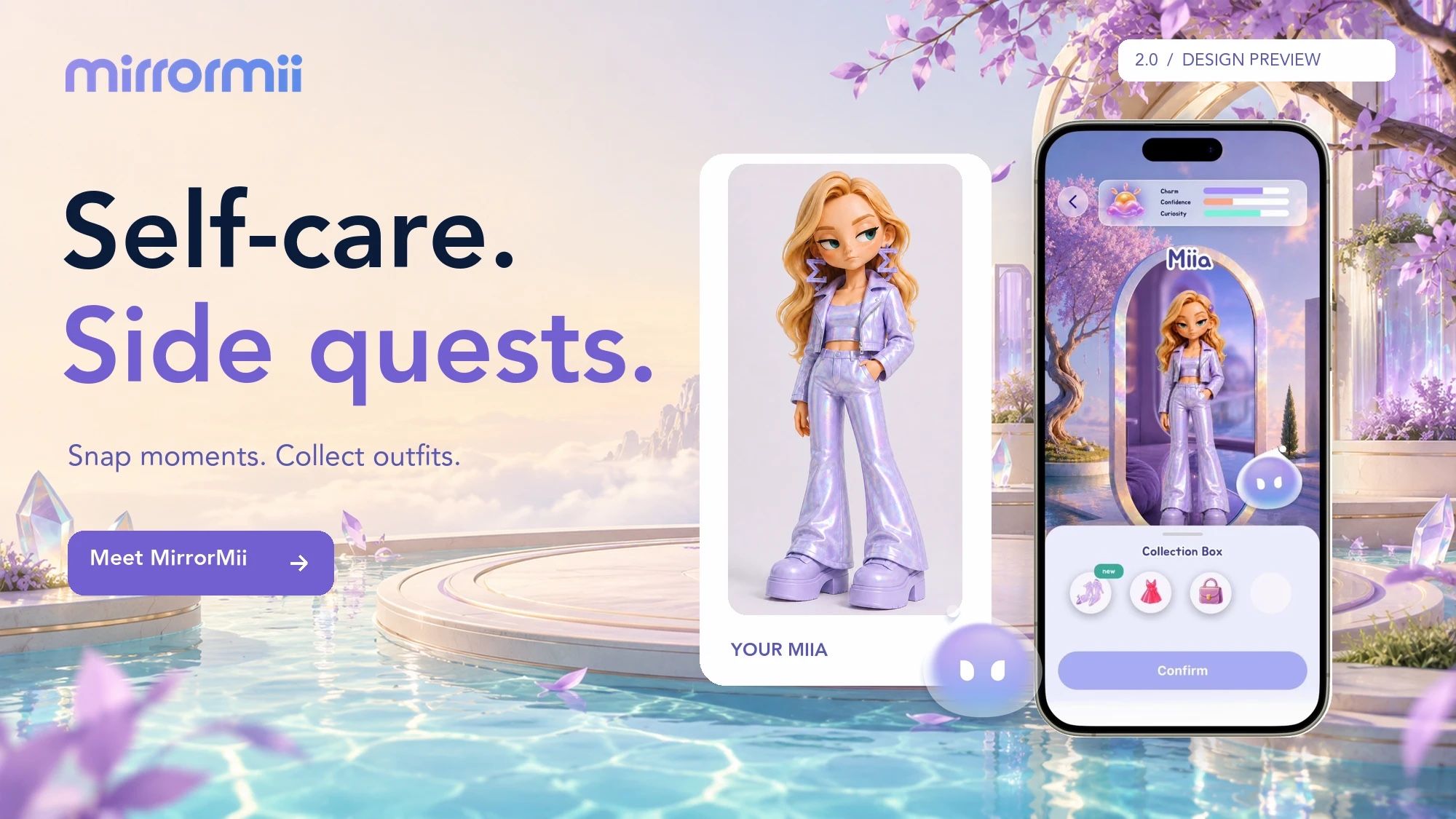
Meet Miia Before your first quest, get to know the one on the other side of the mirror. Meet Miia